Matomo简介
Matomo(前身为Piwik)基于PHP+MySQL技术构建的开源网站访问统计系统是一款很受欢迎的Google Analytics的开源替代工具。与Google Analytics不同,Matom是在你自己的服务器上托管的,你可以拥有你所有的数据。
Matomo部署
安装epel扩展
# rpm -Uvh https://dl.fedoraproject.org/pub/epel/epel-release-latest-7.noarch.rpm
# rpm -Uvh https://mirror.webtatic.com/yum/el7/webtatic-release.rpm
安装php7.2和相关模块
# yum -y install wget unzip php72w php72w-cli php72w-common php72w-devel yum-utils php-mysqli php72w-fpm php72w-redis php72w-pecl-redis php72w-mbstring php72w-gd nginx
启动并加入自启动中
# systemctl start php-fpm
# systemctl enable php-fpm
安装mysql
yum install mariadb-server -y
启动MariaDB数据库
# systemctl start mariadb
# systemctl enable mariadb
运行MySQL安全设置脚本(mysql_secure_installation)
设置MySQL root密码和其他安全参数。
# mysql_secure_installation (按y设置root超级密码,一路按y确定)
配置nginx支持php
# vi /etc/nginx/nginx.conf
编辑server 配置段
server {
        listen       80 default_server;
        server_name  localhost;
        root         /var/www/html/matomo;
        location / {
          index index.php index.html index.htm;
        }
        error_page 404 /404.html;
        location ~ \.php$ {
        fastcgi_pass   127.0.0.1:9000;
        proxy_set_header X-Forwarded-For $proxy_add_x_forwarded_for;
        fastcgi_index  index.php;
        fastcgi_param  SCRIPT_FILENAME  /var/www/html/matomo$fastcgi_script_name;
        include        fastcgi_params;
    }
            location = /40x.html {
        }
        error_page 500 502 503 504 /50x.html;
            location = /50x.html {
        }
    }
PS:/var/www/html/matomo 为站点存放目录
启动nginx并加入自启动
# systemctl start nginx
# systemctl enable nginx
下载matomo
# mkdir -p /var/www/html/matomo
# cd /var/www/html/matomo
# wget http://builds.piwik.org/piwik.zip
# unzip piwik.zip
设置网站权限
# chown -R apache:apache /var/www/html/matomo
创建数据库
创建一个名为piwik_db的数据库和一个新用户my_piwik/your_password为你设置的密码
# mysql -uroot -p
MariaDB [(none)]> create database piwik_db;
MariaDB [(none)]> grant all on piwik_db.* to my_piwik@localhost identified by 'your_password';
MariaDB [(none)]> exit;
安装matomo
登陆http://your_doman_or_IP/piwik
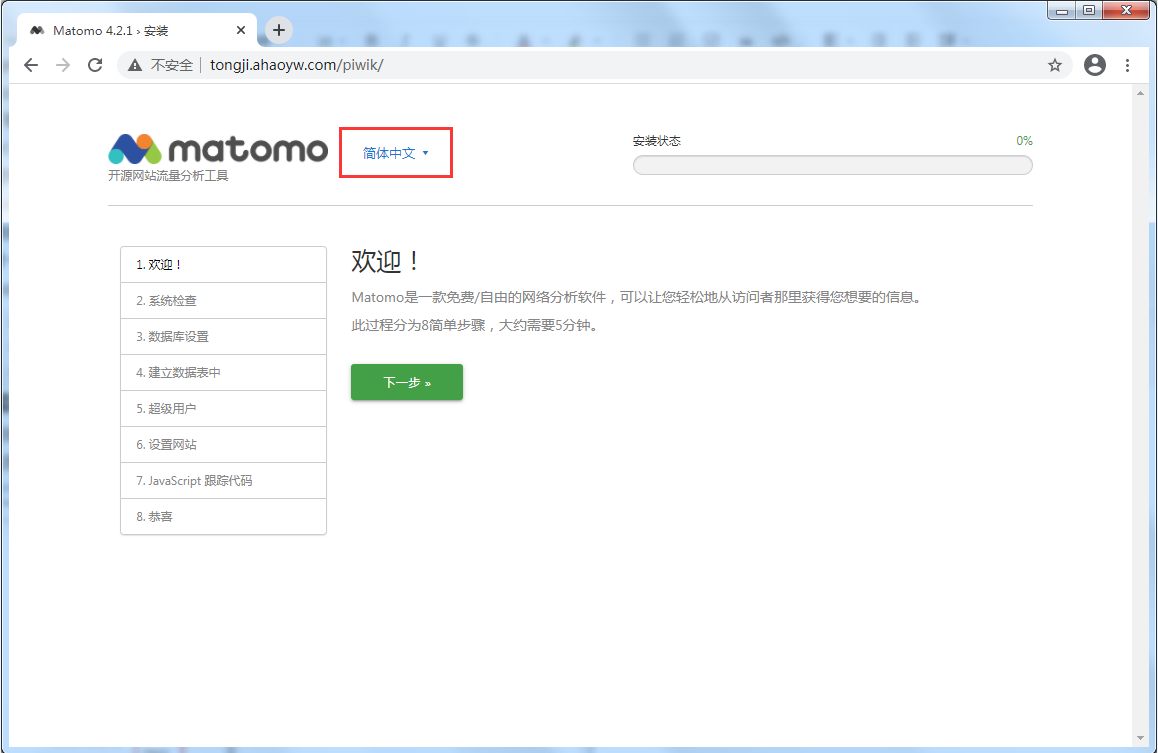
语言默认英文,可选中文,点击下一步继续
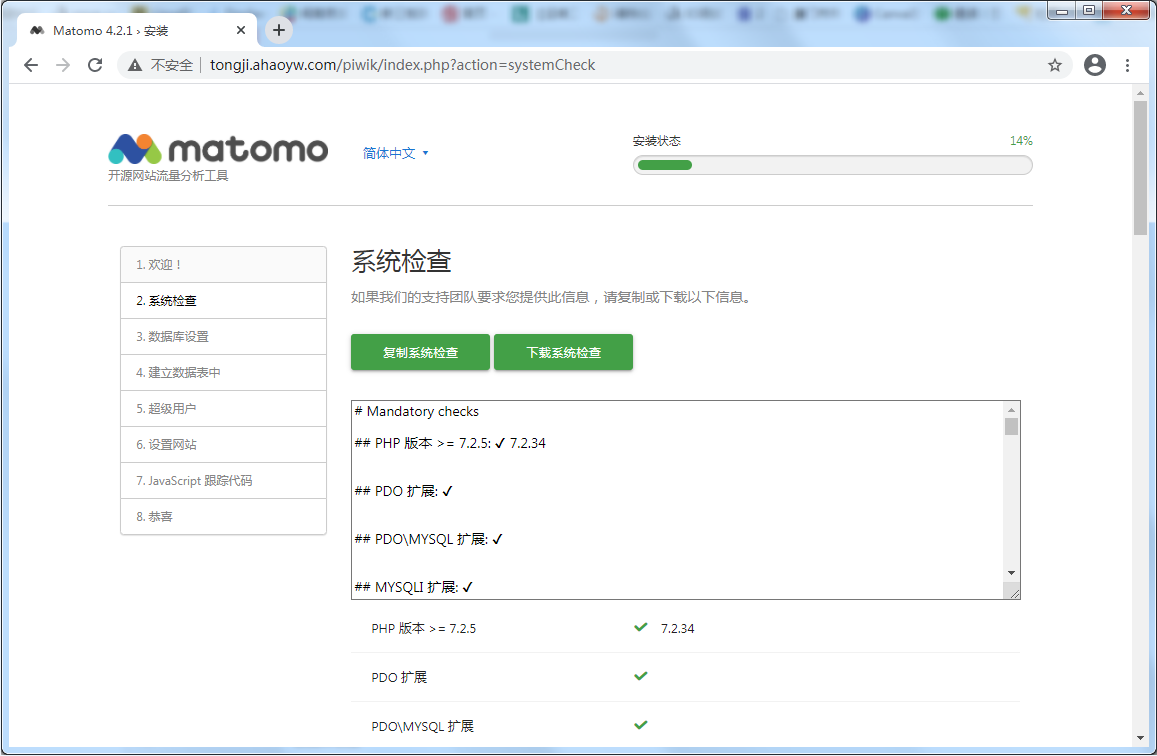
系统检查是否满足条件,点击下一步继续
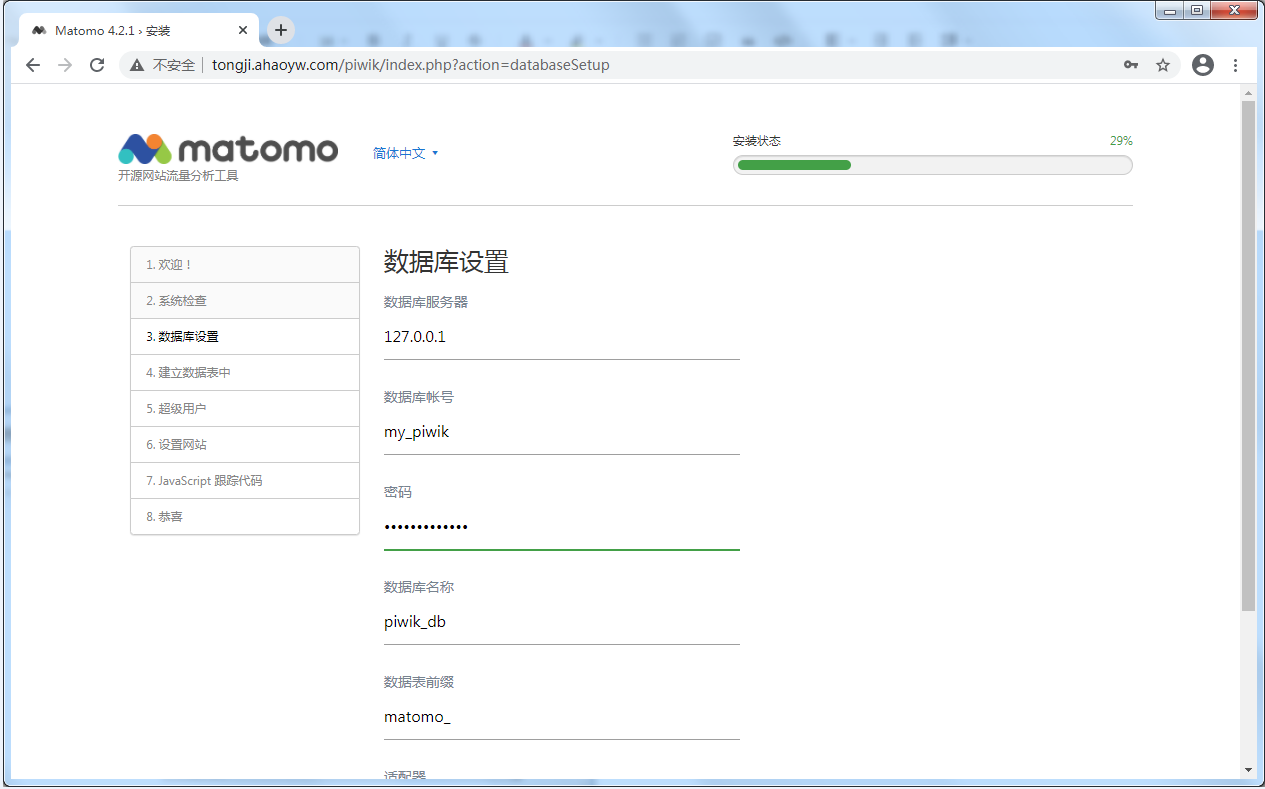
数据库配置(输入前面设置的数据库名称,数据库账号和数据库密码),点击下一步继续
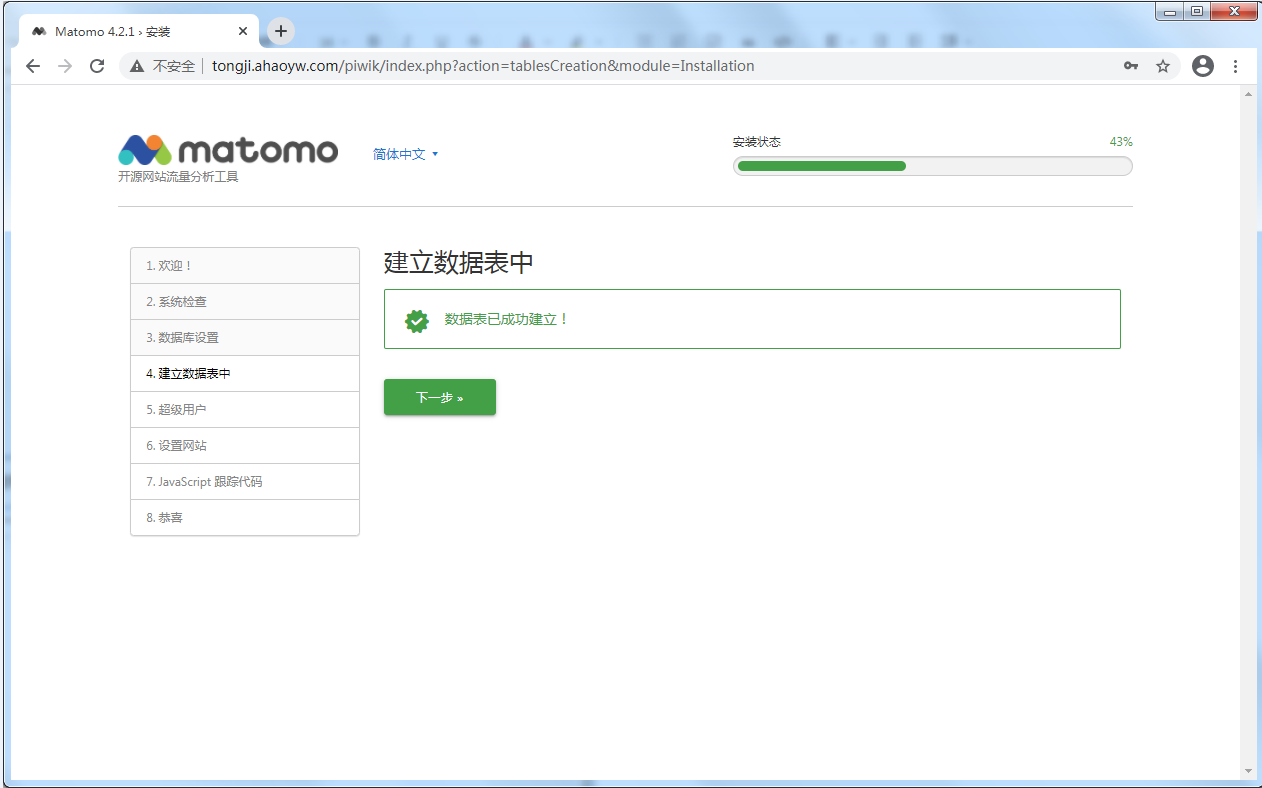
建立数据库表(piwik会自动建表)完成后,点击下一步继续
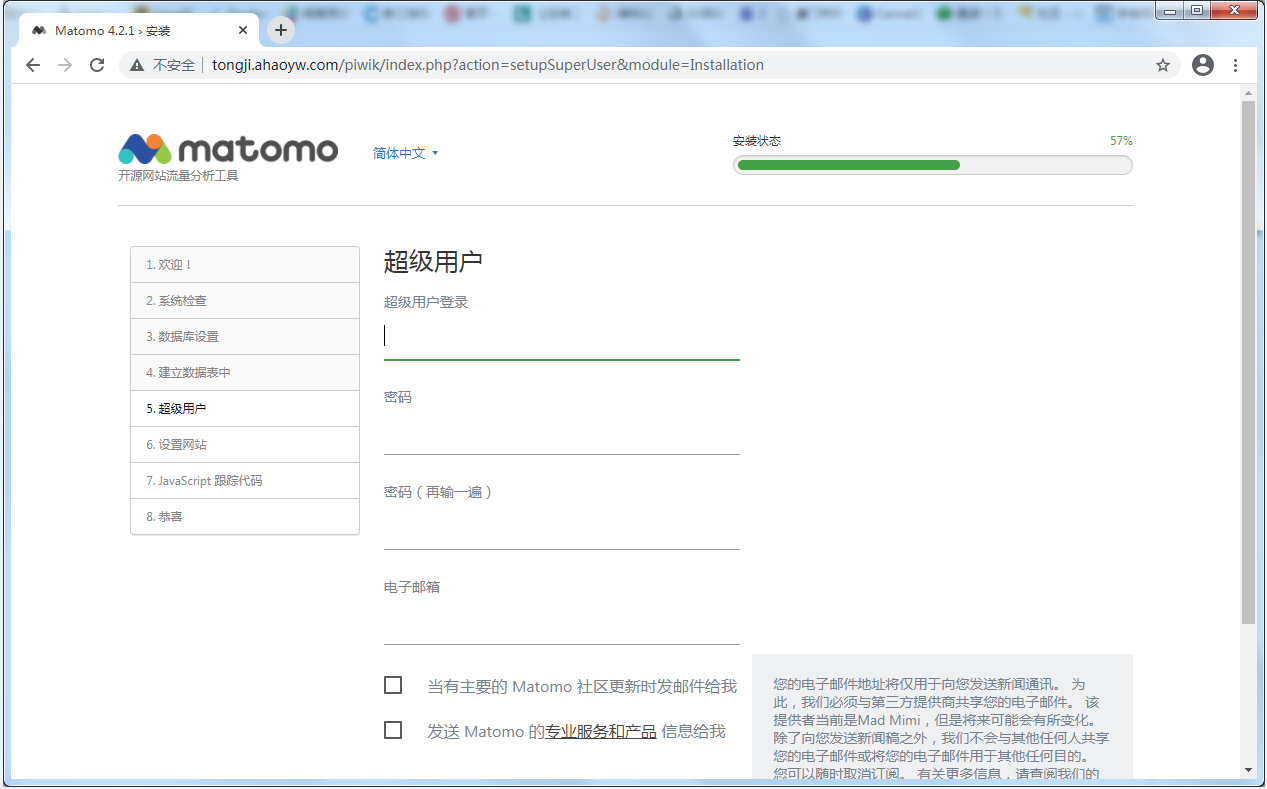
设置超级账户(管理员用户,不要使用弱密码)
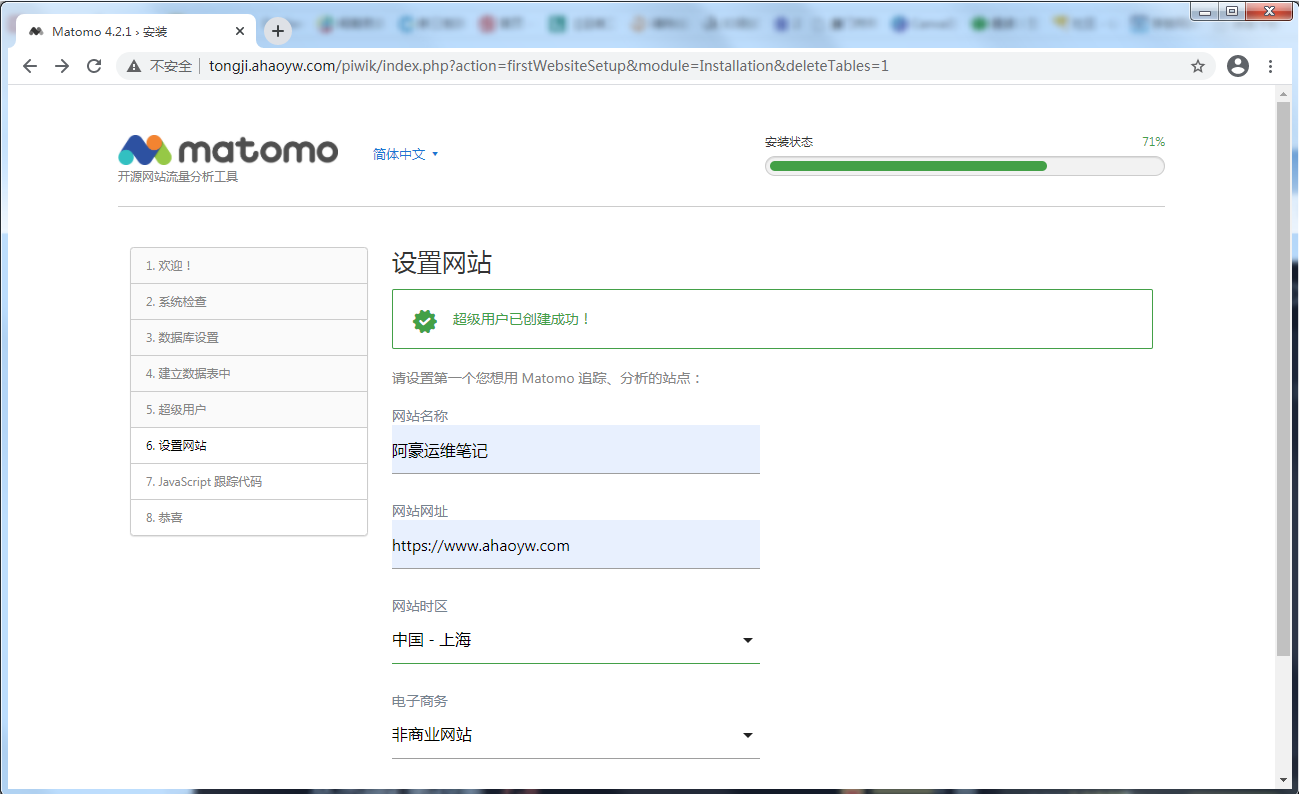
设置需要统计的网站,如阿豪运维笔记 网址
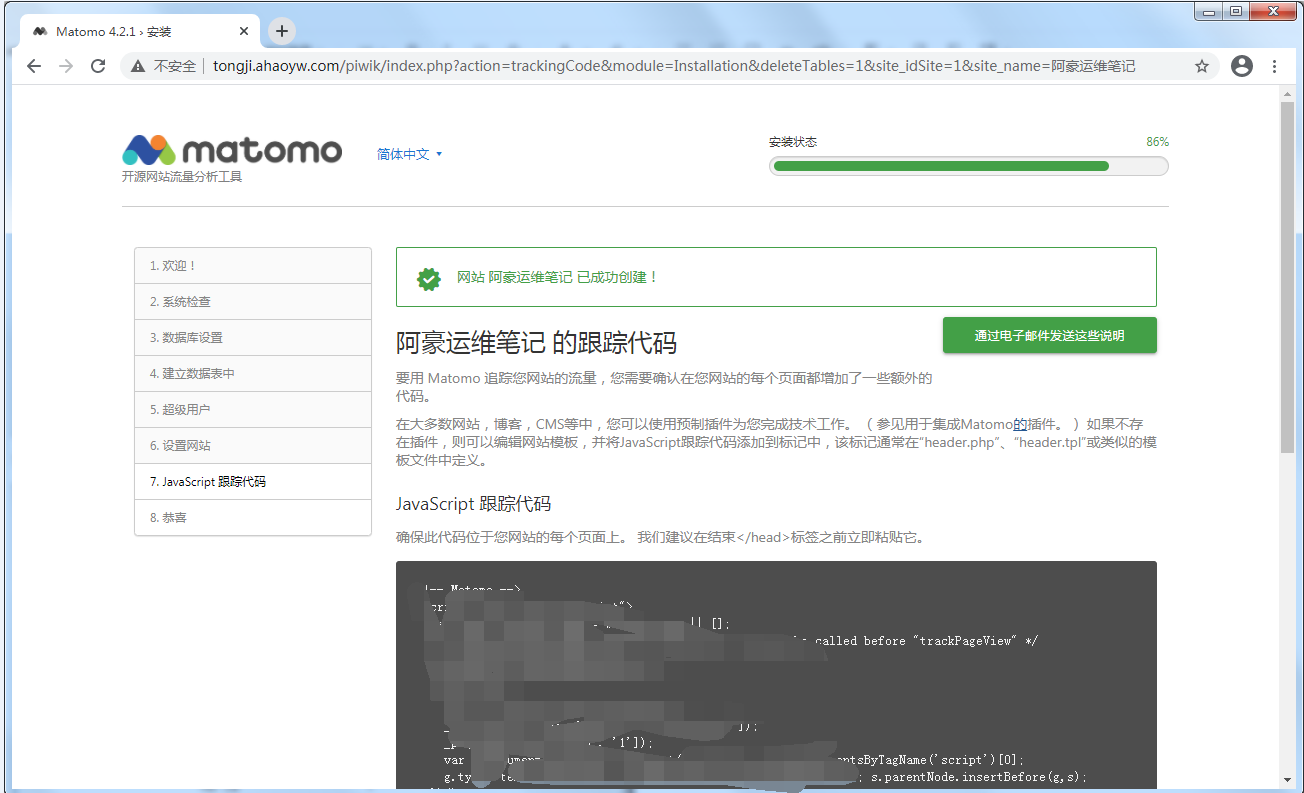
跟踪代码,将生成的代码复制粘贴到需要跟踪的页面
标签之前,要注意这里的网址要填写被追踪网站的域名
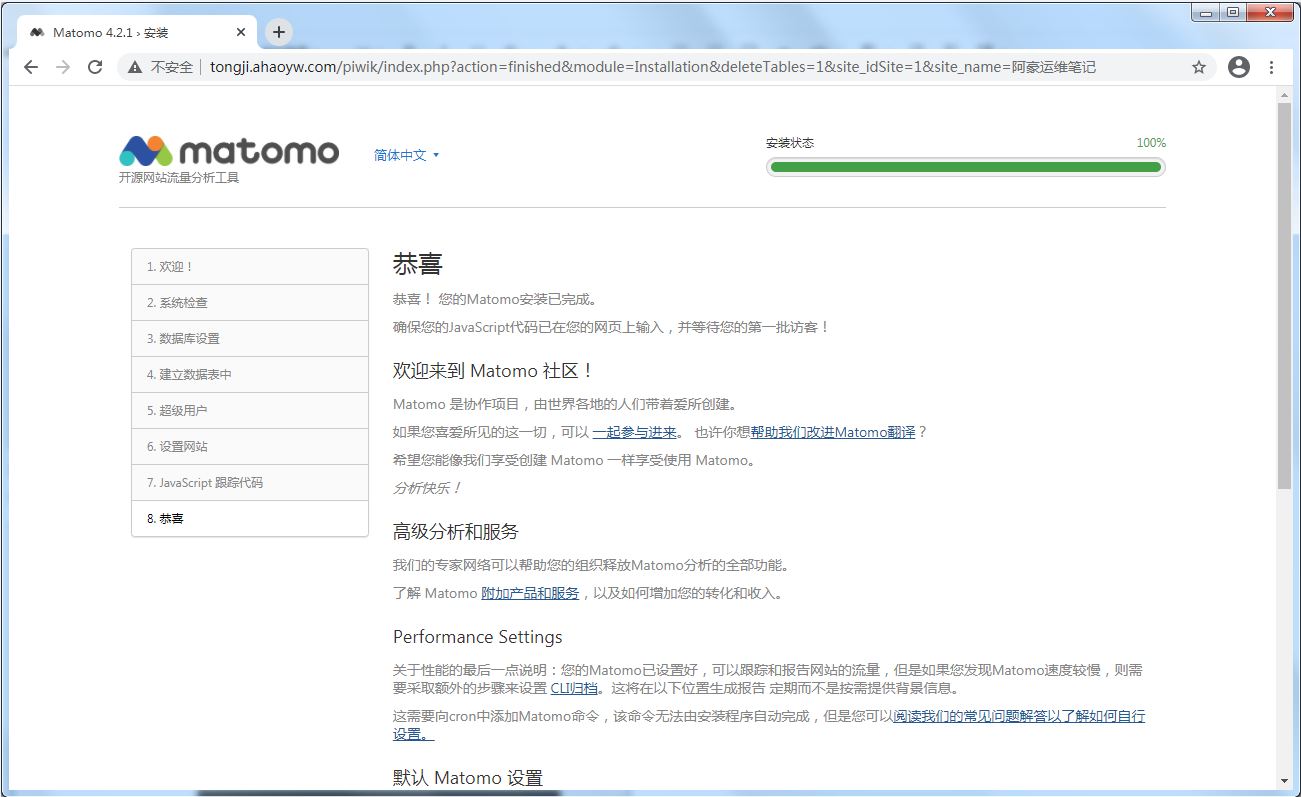
安装完成
访问
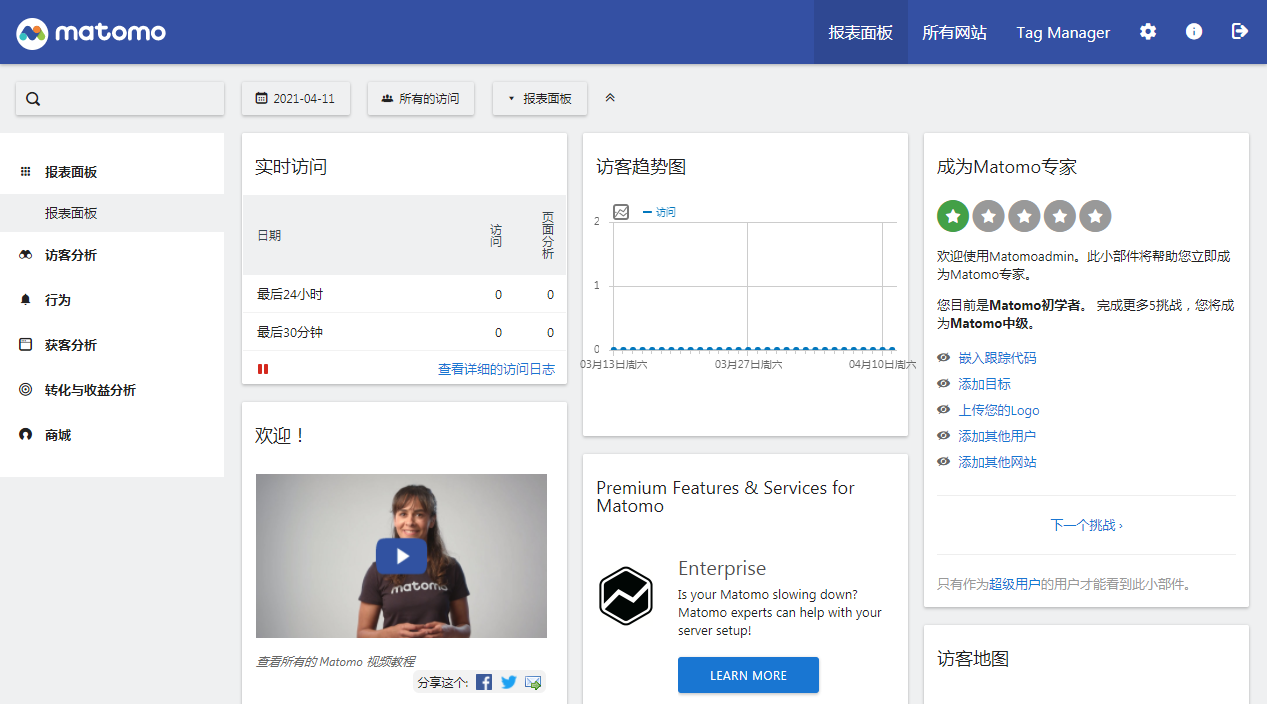
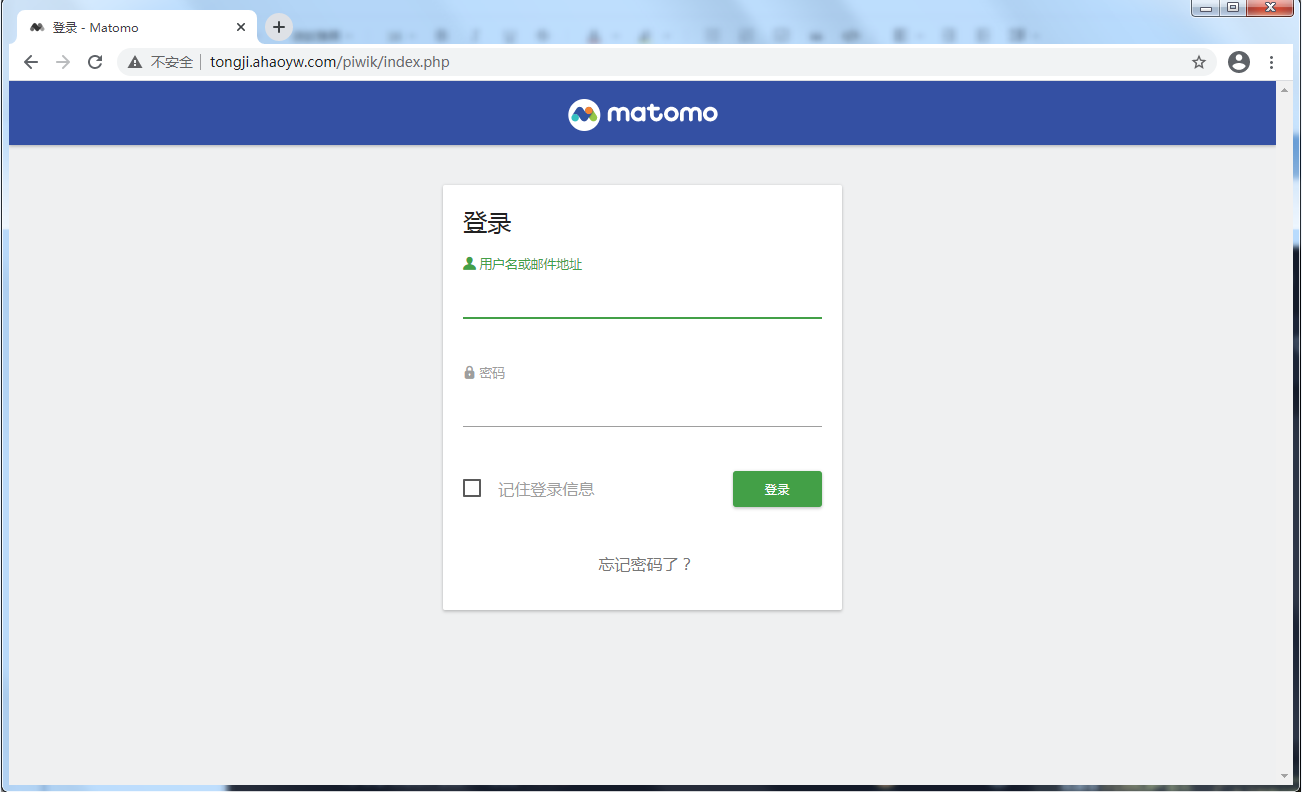
登陆http://your_doman_or_IP/piwik,输入前面设置的账号密码
更多设置可以参考官网安装文档:https://matomo.org/docs/installation/