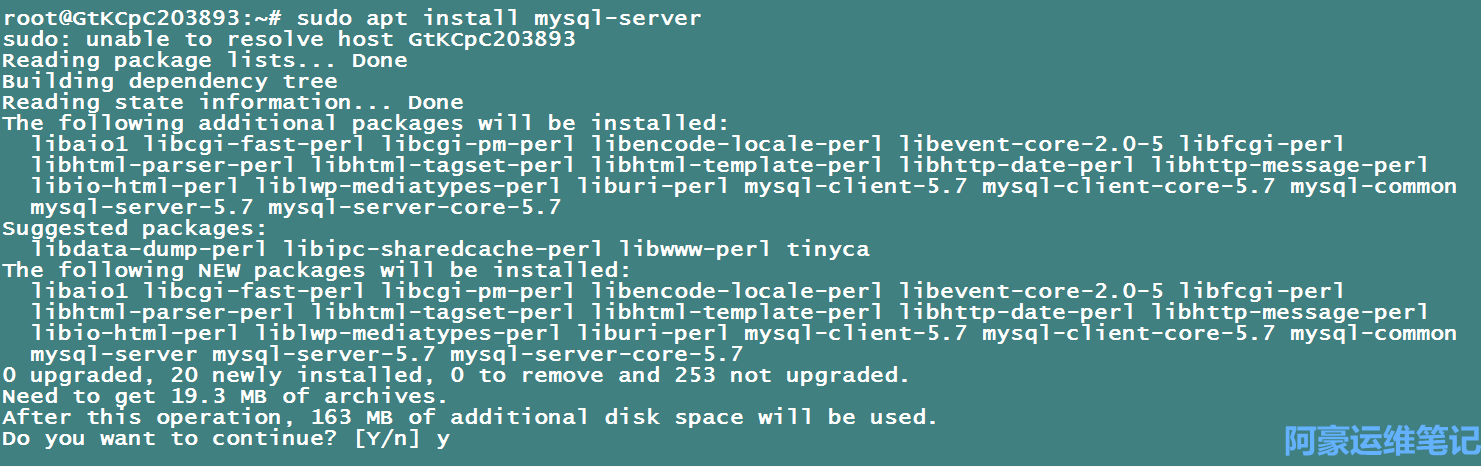
安装mysql
# sudo apt install mysql-server
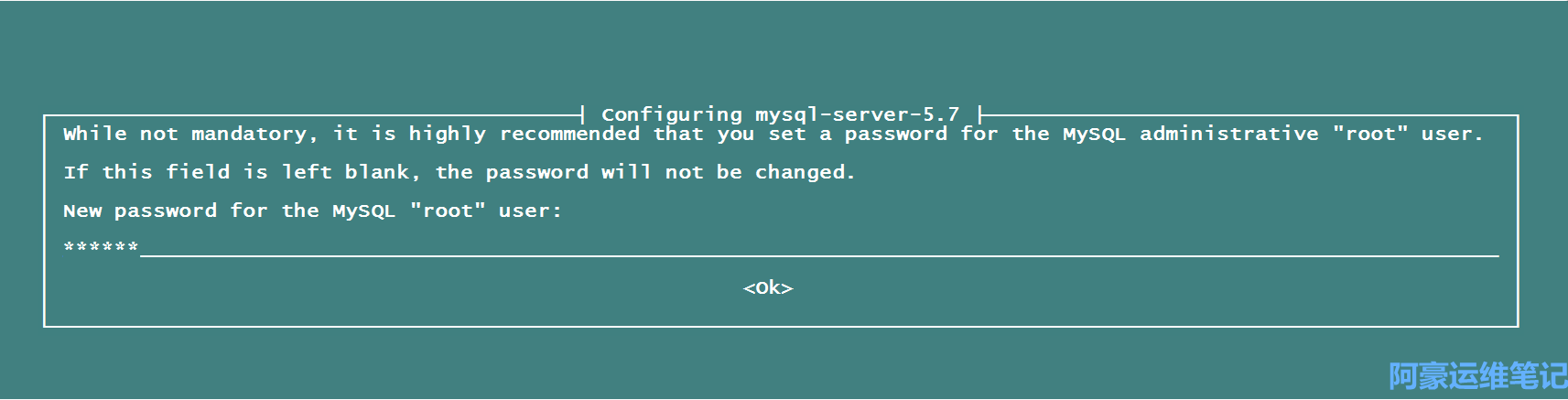
 设置Mysql管理员root密码
接着等他完成就行了
安装nginx和php
添加nginx和php的ppa源
# sudo apt-add-repository ppa:nginx/stable
# sudo apt-add-repository ppa:ondrej/php
# sudo apt update
# sudo apt install nginx
# /etc/init.d/nginx start
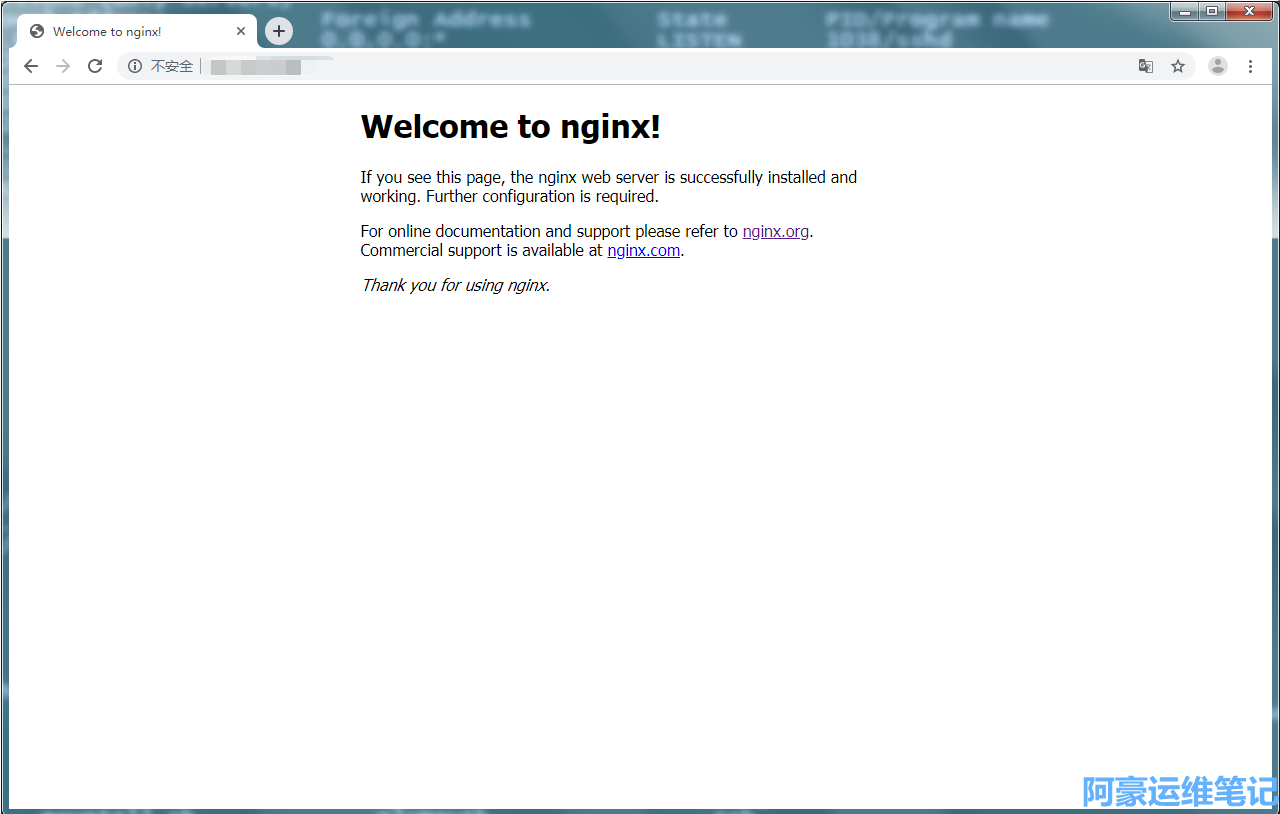
安装好nginx,打开浏览器输入 http://服务器外网ip 看到 Welcome to nginx! 说明安装成功了。
安装php 7.0 和 安装其他版本也是一样的。
安装PHPFastCGI管理器
# sudo apt install php7.0-fpm
启动php
# sudo service php-fpm7.0 restart 或者 # /etc/init.d/php7.0-fpm restart)
配置Nginx让他支持php
# sudo vi /etc/nginx/sites-enabled/default 找到对下
root /var/www/html; 设置站点粗放目录
# Add index.php to the list if you are using PHP
index index.php index.html index.htm index.nginx-debian.html;
#找到
# location ~ \.php$ {
#  nclude snippets/fastcgi-php.conf;
#
#
# With php-fpm (or other unix sockets):
#  fastcgi_pass unix:/var/run/php/php7.0-fpm.sock;
#
# With php-cgi (or other tcp sockets):
#  fastcgi_pass 127.0.0.1:9000;
#        }
修改成
location ~ \.php$ {
     include snippets/fastcgi-php.conf;
     # With php-fpm (or other unix sockets):
     fastcgi_pass unix:/var/run/php/php7.0-fpm.sock;
     #
     # With php-cgi (or other tcp sockets):
     #
     fastcgi_pass 127.0.0.1:9000;
     }
重启服务
# /etc/init.d/nginx restart
测试php是否正常
接着我们进入到/var/www/html/站点目录下新建一个index.php的探针文件
# cd /var/www/html
# vi index.php
<?php phpinfo();?>
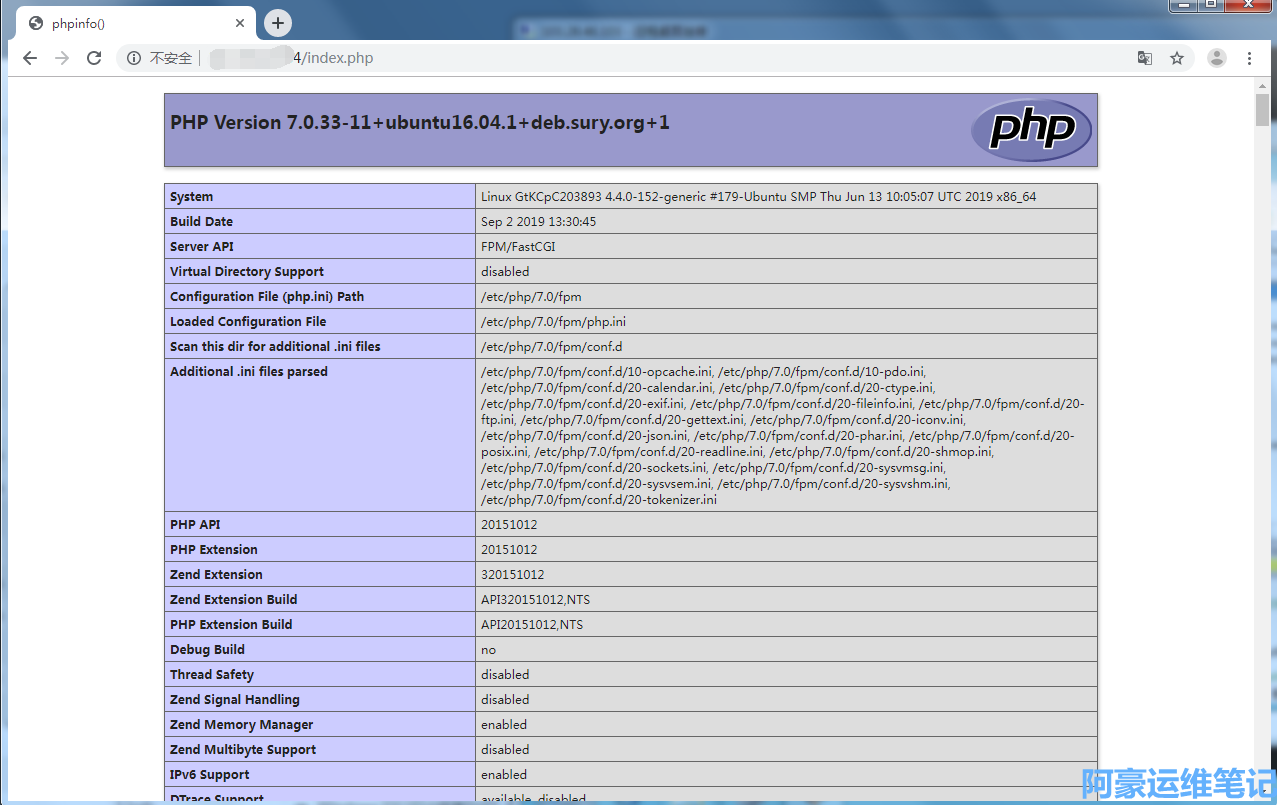
php常用扩展库安装
# sudo apt install php-mysql php-curl php-mcrypt php-gd php-memcached php-redis
如果不清楚扩展的名称话可以输入如下
# sudo apt install php7.0 #按tab 可以显示如下一些库