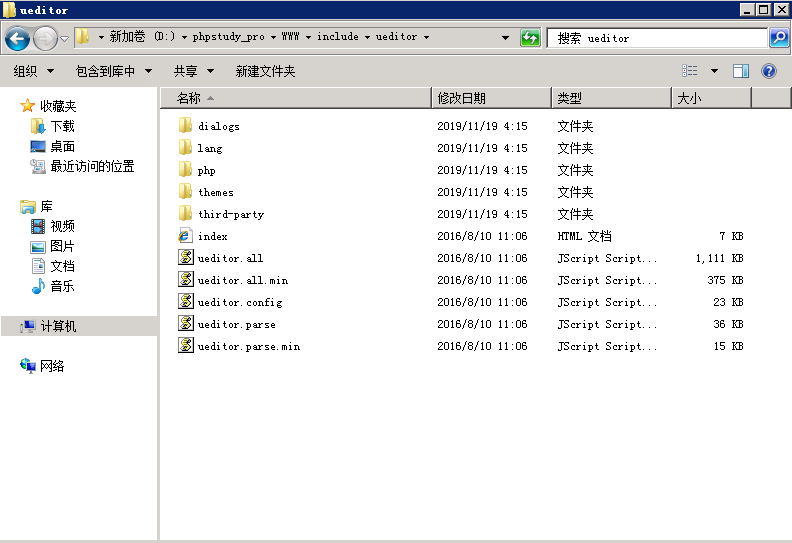
根据你的网站编码,下载相应编码的编辑器包。在include文件夹里,新建一个名为ueditor文件夹,把刚才下载的文件放到里面。 编辑器下载地址http://ueditor.baidu.com/website/
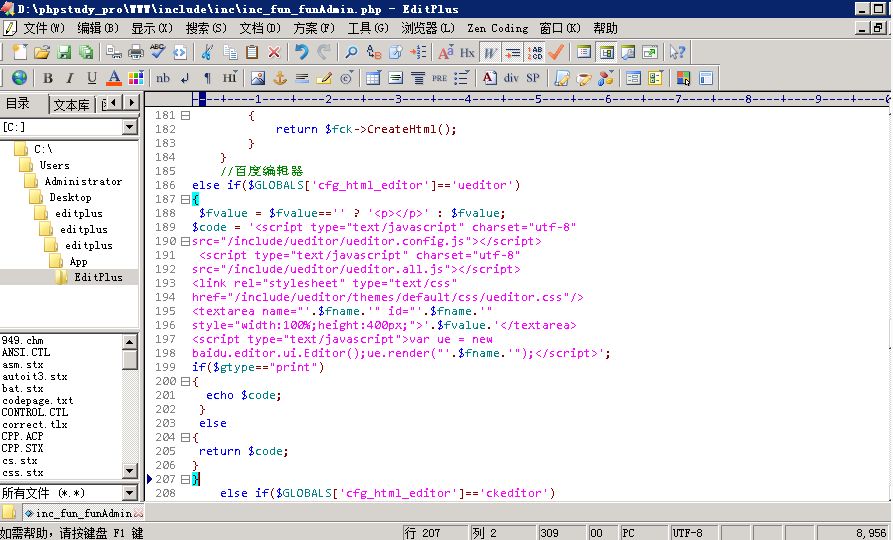
打开include下的inc文件夹内的inc_func_funcAdmin.php找到184行,在下面放入下面的代码,然后保存。这段代码是只有一个编辑器的情况下使用。
//百度编辑器
else if($GLOBALS['cfg_html_editor']=='ueditor')
{   $fvalue = $fvalue=='' ? '<p></p>' : $fvalue;
  $code = '<script type="text/javascript" charset="utf-8"src="/include/ueditor/ueditor.config.js"></script>
  <script type="text/javascript" charset="utf-8"src="/include/ueditor/ueditor.all.js"></script>
  <link rel="stylesheet" type="text/css"href="/include/ueditor/themes/default/css/ueditor.css"/>
  <textarea name="'.$fname.'" id="'.$fname.'"style="width:100%;height:400px;">'.$fvalue.'</textarea>
  <script type="text/javascript">var ue = newbaidu.editor.ui.Editor();ue.render("'.$fname.'");</script>';
    if($gtype=="print")  {
    echo $code;
    }
    else
    {
    return $code;
    }
    }
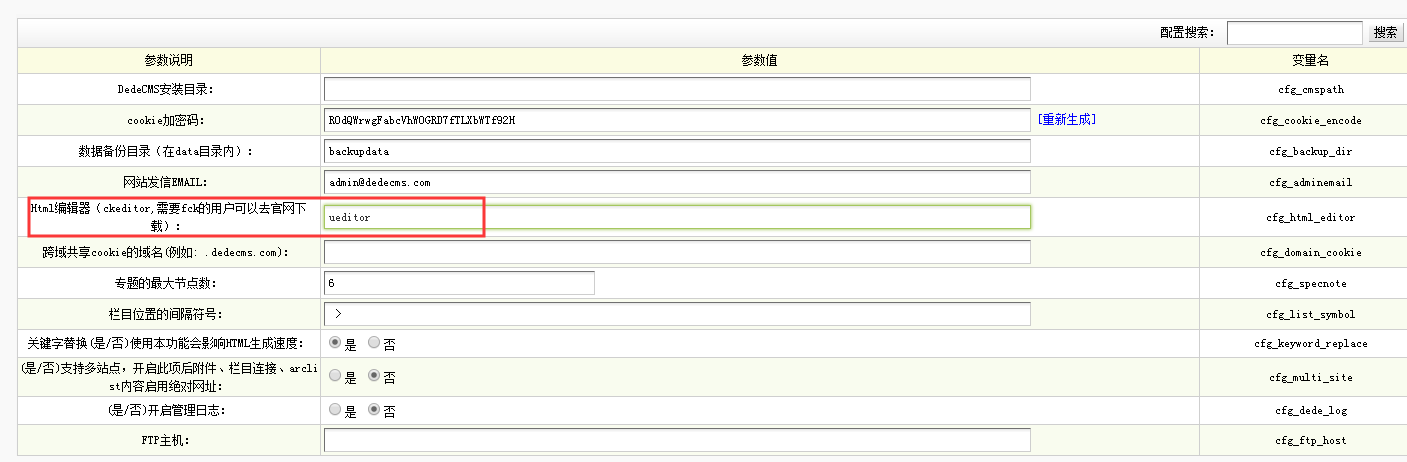
在后台管理系统–>系统基本参数–>核心设置–>将 Html编辑器的值改为 ueditor ,然后保存。
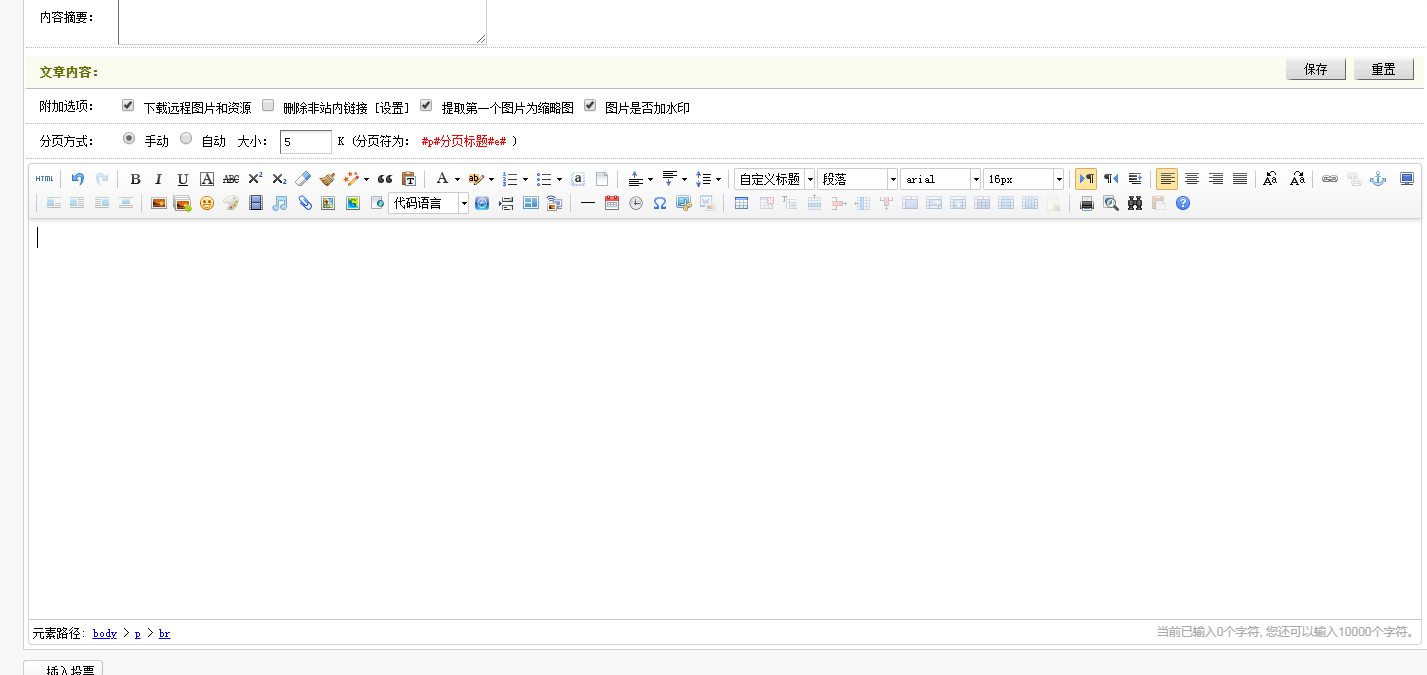
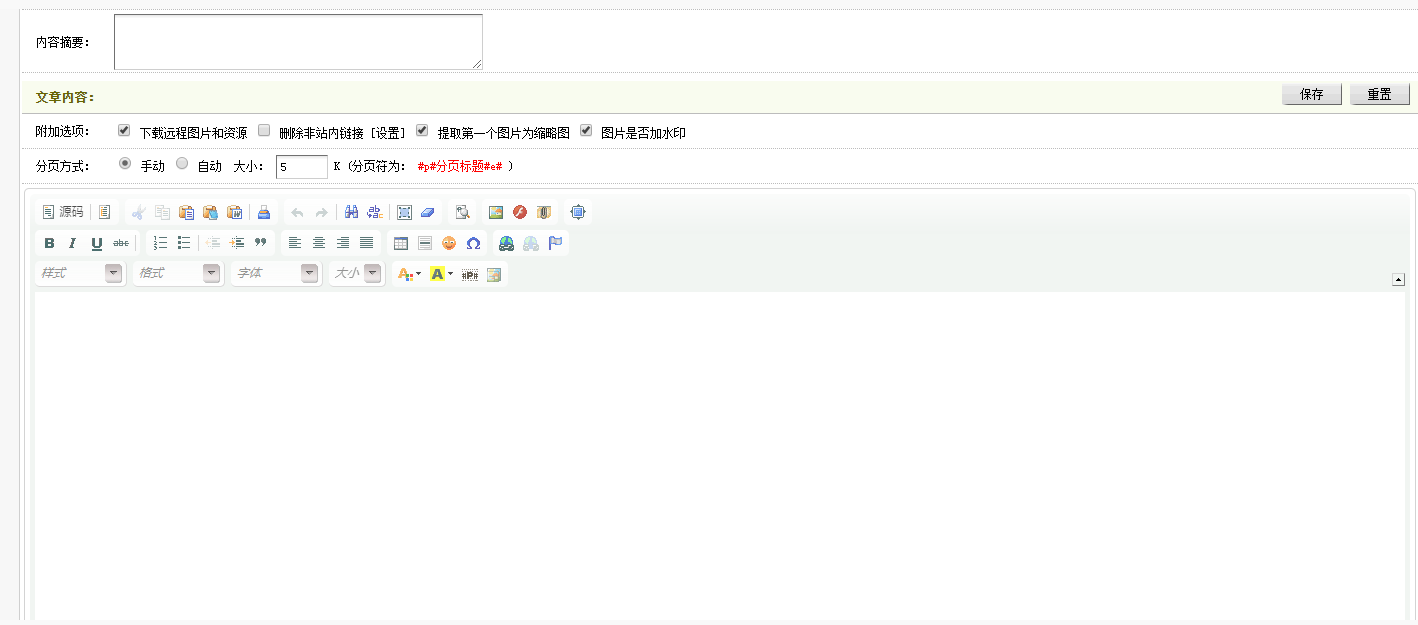
原本的编辑如下